Remove Malware to Fix a Slow Computer Quickly
Introduction
If your computer suddenly becomes slow, shows random pop-ups, or behaves strangely, malware could be the cause. Unlike normal performance issues, malware actively works against your system—using resources for its own purposes while degrading your experience.
The worst part? Many malicious programs run silently, making them hard to detect without proper tools.
In this guide, you’ll learn how malware affects performance, how to recognize the warning signs, and how to remove it safely. Whether your system is slightly sluggish or severely compromised, taking action here can restore both speed and security.
What Malware Does to Your Computer
Malware can:
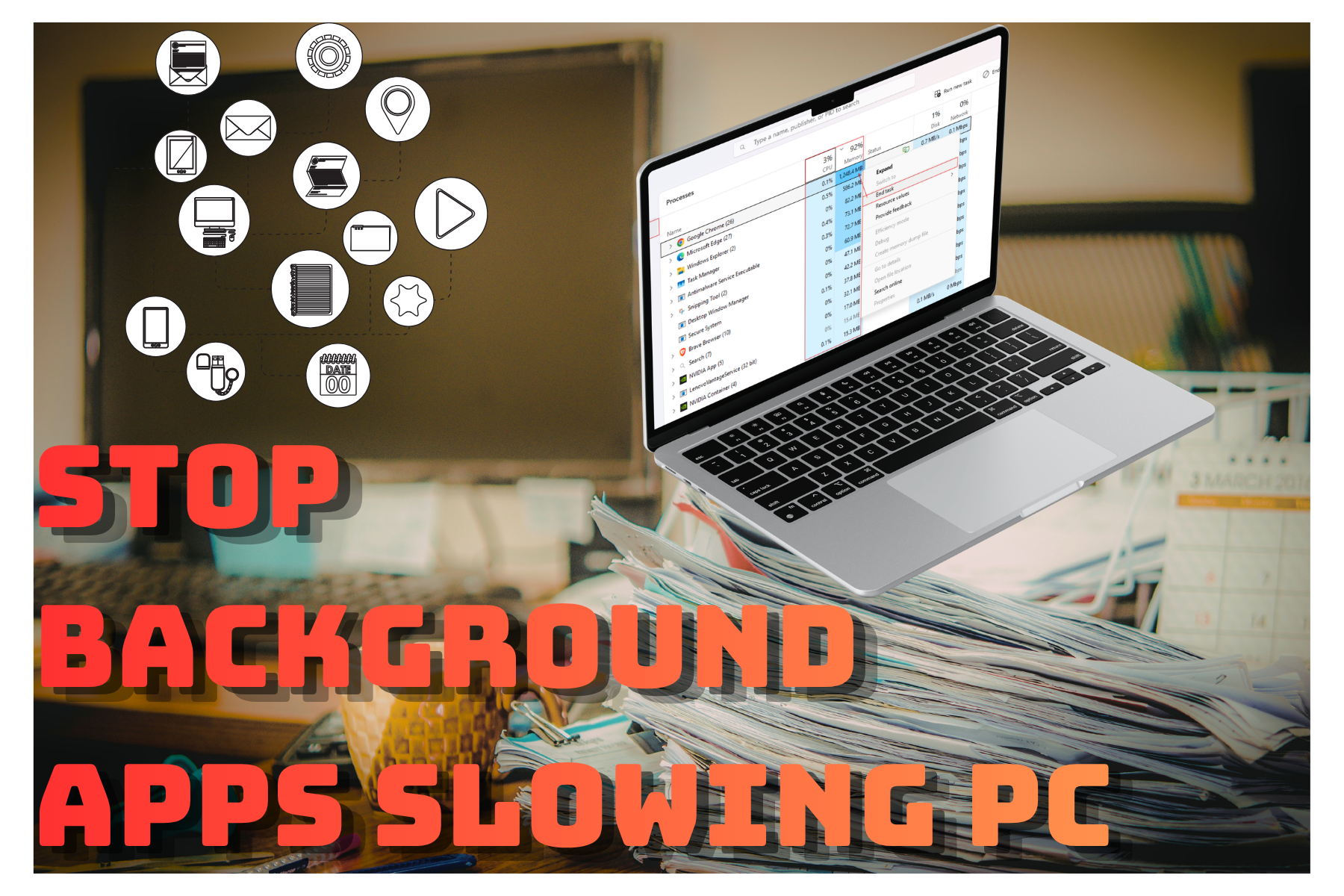
Consume CPU and RAM
Run hidden background tasks
Display intrusive ads
Track user activity
This leads to slower performance and potential data risks.
Warning Signs of Infection
Sudden slowdowns
Pop-ups and ads
Unknown programs installed
Browser redirects
If you notice multiple signs, act immediately.
Step-by-Step: How to Remove Malware
Install trusted antivirus software
Run a full system scan
Remove detected threats
Restart your system
Repeat scans if needed.
Our recommendation

Malwarebytes
Malwarebytes is designed specifically to detect and remove malware, spyware, and hidden threats that many standard antivirus programs miss. It’s especially effective for cleaning already-infected systems and restoring normal performance quickly. Ideal for users dealing with pop-ups, slowdowns, or suspicious background activity.
Best Practices to Stay Protected
Download only from trusted sources
Avoid suspicious links
Keep antivirus updated
Common Mistakes
Ignoring early warning signs
Using multiple antivirus tools (can conflict)
Downloading “free” software from shady sites
Pro Tips
Use built-in security tools first
Schedule regular scans
Keep your browser secure with extensions
Conclusion
Malware doesn’t just slow your computer—it puts your data and privacy at risk. Addressing it quickly is essential for both performance and security.
With the right tools and habits, you can remove threats, restore speed, and prevent future infections. Think of it as both a cleanup and a shield for your system.
Art Credit:
@gettysignature @pexels @karyative @gettysignature @icons8 @heni-silvias-images